






Are you looking for the best Disney Plus downloader to enjoy your favorite Disney, Marvel, or Pixar movies anytime, anywhere? You are not alone. Since Disney+ does not support offline viewing on desktop and its official mobile app comes with strict download limits, asking for help from a third-party tool is popular among many users.
If you want to watch Disney+ movies and shows offline permanently without ads, this article is for you. We provide a full review of the top 13 Disney Plus video downloaders available, helping you quickly compare and choose the most trustworthy option. Scroll down now and find the right one!
Bonus: Full Video Walkthrough
Top 1. MovPilot Disney Plus Video Downloader: 👍Editor’s Choice (Windows & Mac)
If you need a truly efficient and stable Disney Plus download tool, MovPilot Disney Plus Video Downloader is your absolute top choice. It can remove DRM protection with one click while converting all movies and shows from Disney+ to original HD MP4 or MKV files, free of ads. Even if you cancel your subscription, the downloaded files won’t expire.
Even better, this professional Disney Plus download software features a built-in smart search engine, allowing you to do everything without leaving the app. With MovPilot, watching Disney Plus offline permanently on any device has never been easier. If you are unsure which is the best Disney Plus video downloader, MovPilot is definitely worth considering.
New User Discount Code:
To extend a warm welcome to our new users, MovPilot is delighted to offer an exclusive discount code as a token of our appreciation. Get “MPENFRESH” to start your first purchase to enjoy the benefits we’ve prepared just for you.
Below is a simple guide on how to use this Disney plus downloader for PC & Mac.
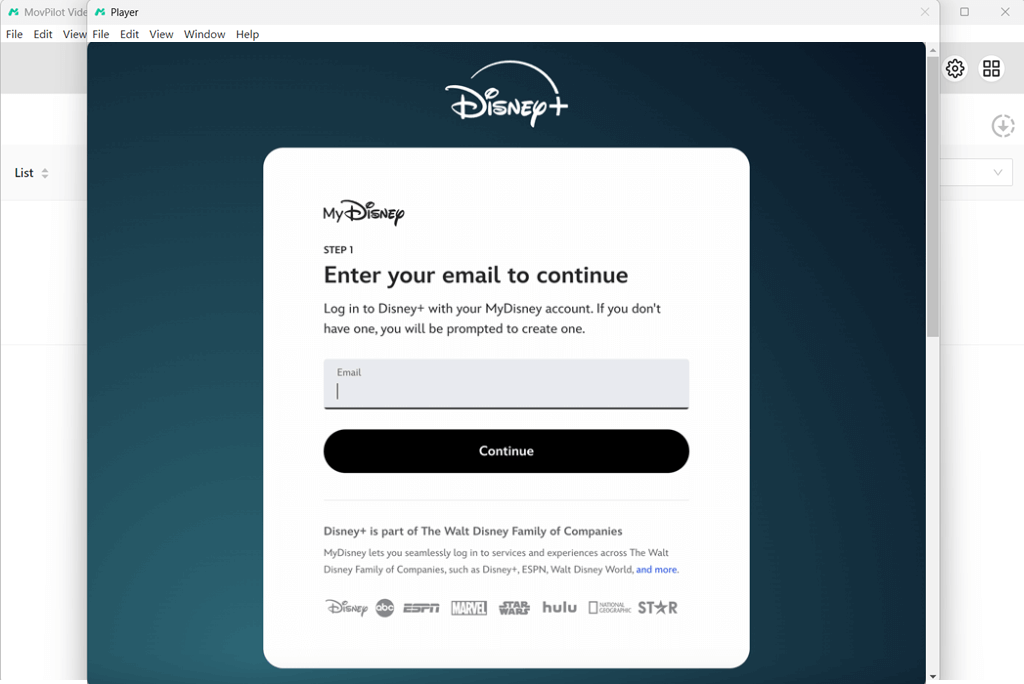
Step 1. Log In to Disney+ via MovPilot
After installing your MovPilot Disney Plus Video Downloader, launch it and choose the Disney+ service. Then, log in with your Disney+ account credentials.
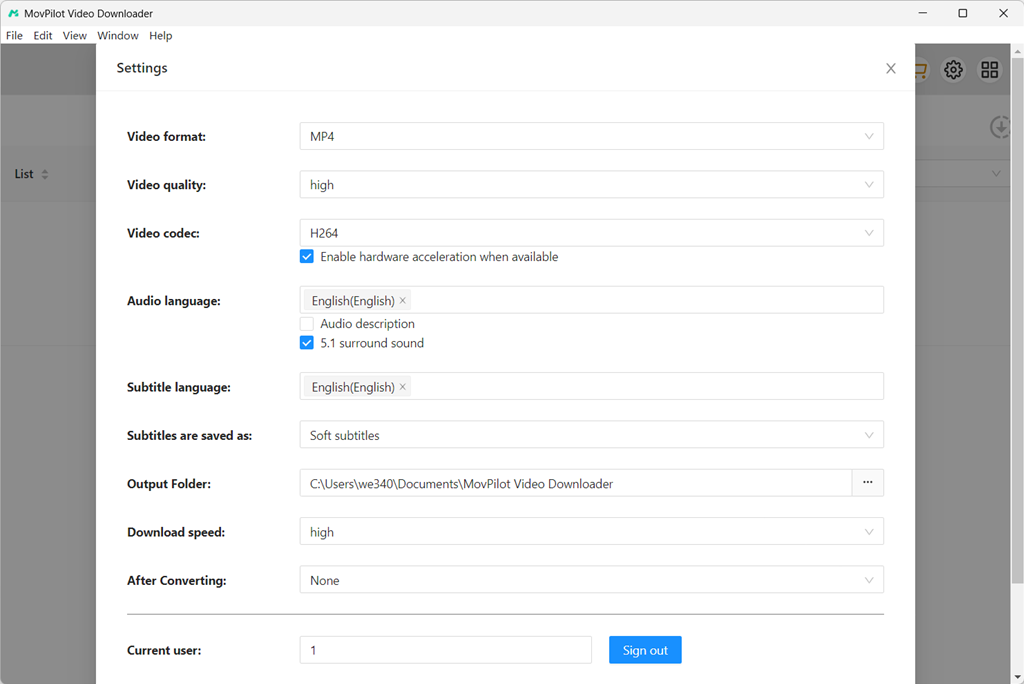
Step 2. Preset Output Settings
Click on the gear icon in the upper-right corner to access “Settings”. Here, you can use the dropdown menu to choose a proper output format and customize key parameters like video quality, video codec, audio language, and subtitle settings to fit your needs.
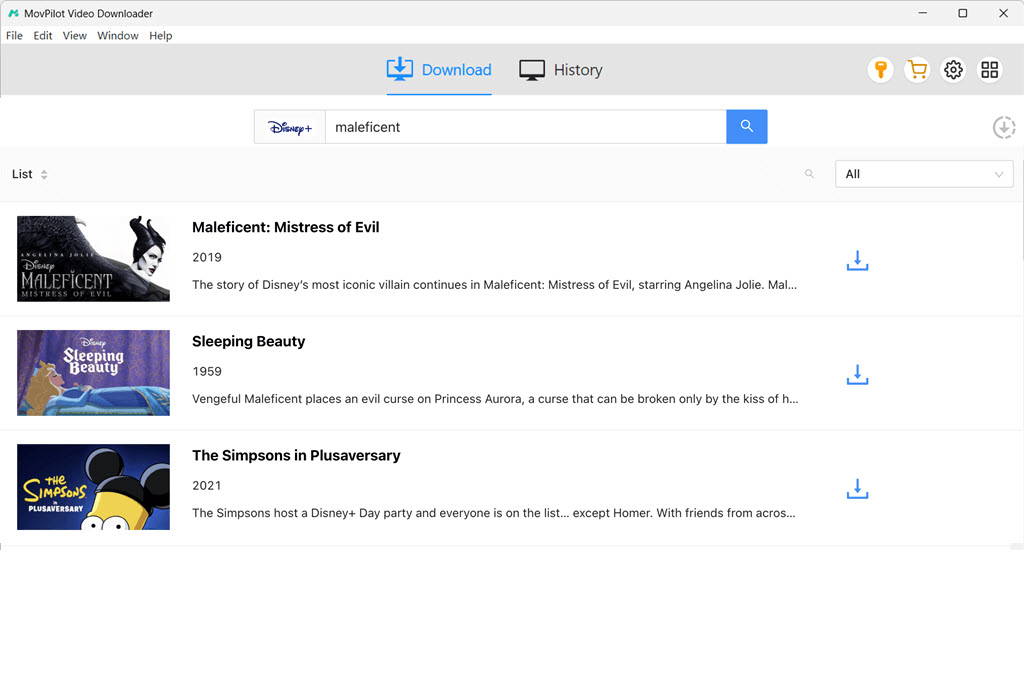
Step 3. Search and Locate Disney Plus Videos
With the built-in search engine, you can easily search for Disney+ movies, shows, or originals by entering the title name or its URL. There is no need to open the Disney Plus website or app.
Step 4. Download Disney Plus HD Videos
Click the download button next to your selected title. If it is a TV show, a pop-up window will appear allowing you to select specific episodes before downloading begins.
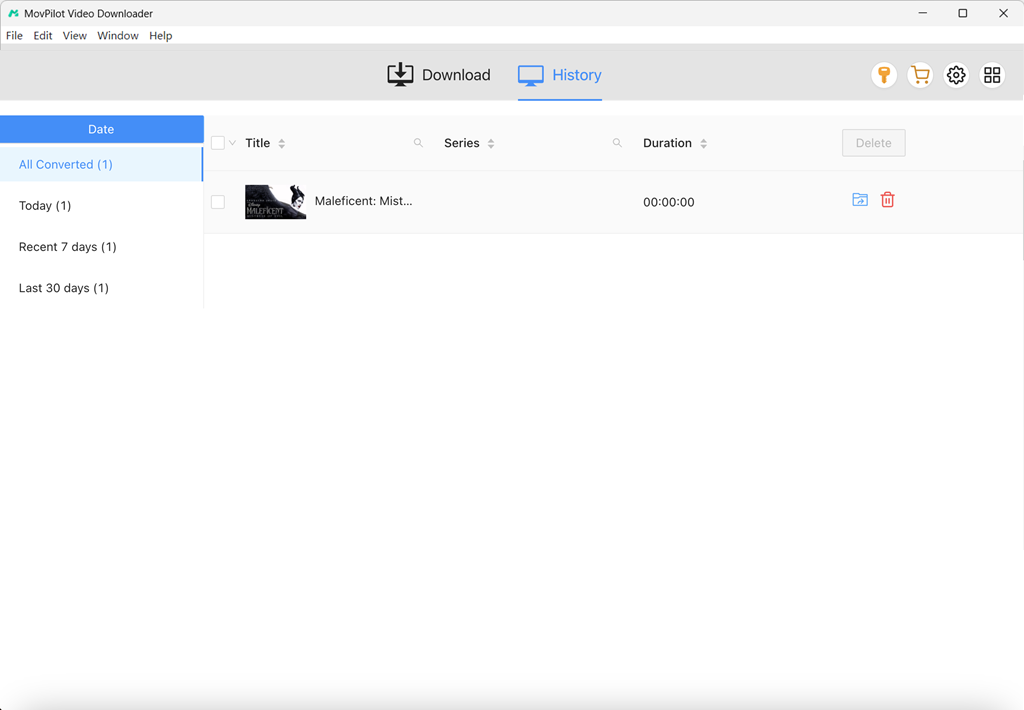
After downloading, navigate to the “History” tab to view all your DRM-free Disney Plus downloads on your computer, ready for offline viewing.
| Pros |
|
| Cons | Only the first 6 minutes of each Disney Plus video can be downloaded in the free version |
| Review | MovPilot Disney+ Video Downloader Review: As Good As It Can Get |
Top 2. StreamFab Disney Plus Video Downloader (Windows & Mac)
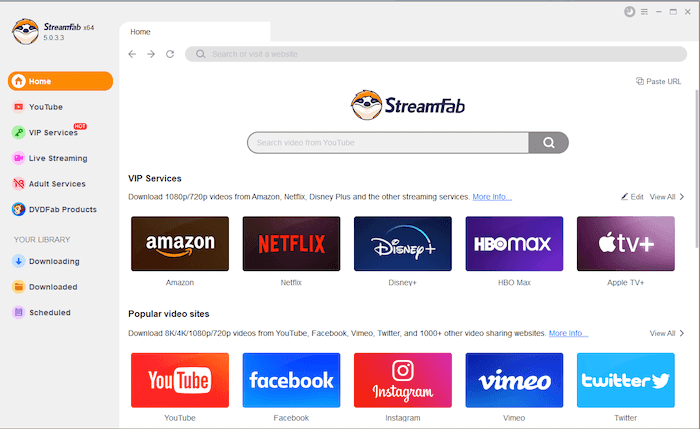
StreamFab Disney Plus Video Downloader is an innovative tool designed to enhance your streaming experience by letting you easily download Disney Plus HD videos and save them for offline viewing anytime, anywhere. If you are looking for a Disney Plus downloader for 1080P to build a personal Disney+ collection for unlimited playback, this is a viable option.
However, it is important to note that while the program delivers impressive download performance, it can consume relatively high CPU resources during conversion. Additionally, its pricing is on the higher side compared to other Disney Plus video downloaders, which may not suit budget-conscious users.
| Pros |
|
| Cons |
|
| Review | StreamFab Video Downloader Software Reviews & Details |
Top 3. Y2Mate Disney Plus Downloader (Windows & Mac)
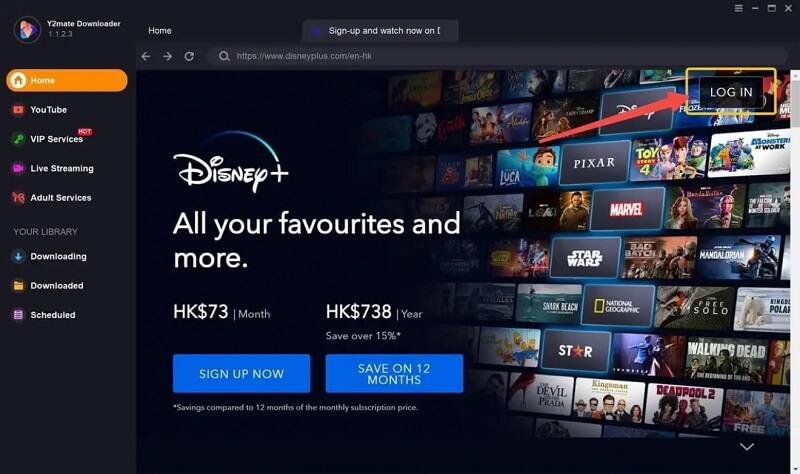
Y2Mate Disney Plus Downloader is another viable option. It can help you download your favorite movies, TV shows, and series from Disney+ as MP4 and MKV files to your computer, ensuring easy Disney Plus offline viewing on any device. One of its standout features is the ability to automatically fetch the latest episodes on a schedule, ensuring you never miss new Disney+ content. This makes it one of the top Disney downloaders, considered by many.
However, in our testing, we found that even the paid version does not offer unlimited downloads. Considering it is a little expensive compared to similar competitors, it may not be the most user-friendly choice for heavy users.
| Pros |
|
| Cons |
|
Top 4. Kigo Disney Plus Video Downloader (Windows & Mac)
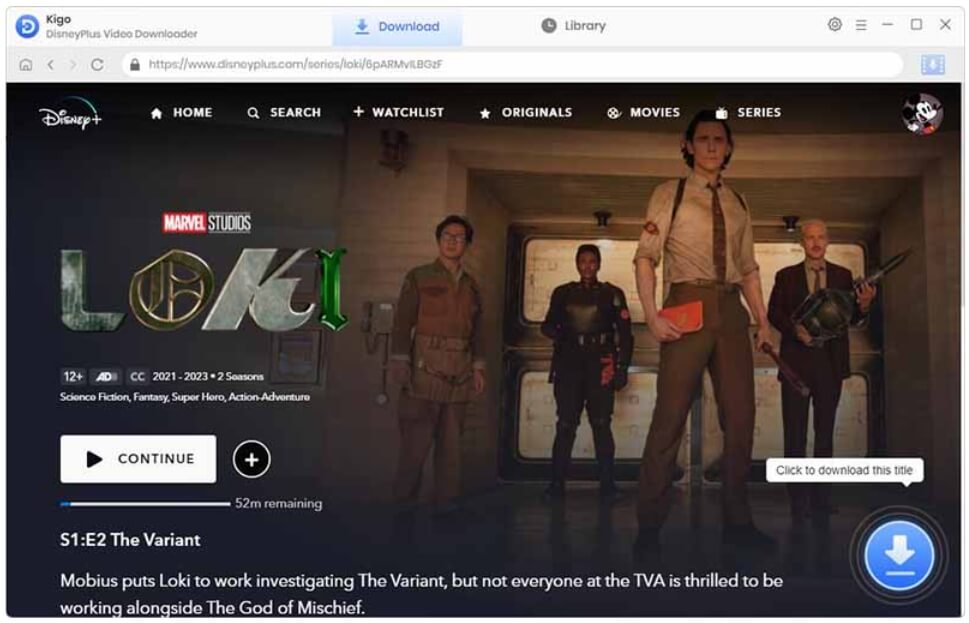
Kigo Disney Plus Video Downloader stands as a premier solution for unlocking the full potential of your Disney Plus subscription. This cutting-edge Disney Plus download software empowers you to download and save your favorite Disney Plus movies, TV shows, and series on PC and Mac with ease.
By preserving content in high-quality formats, Kigo makes offline viewing convenient, which is perfect for road trips, flights, or areas with limited internet connectivity. However, many users have also reported difficulties when requesting a refund, and the software only provides a 5-day money-back guarantee. Therefore, it is advisable to consider your purchase carefully before buying.
| Pros |
|
| Cons |
|
Top 5. Pazu Disney Plus Video Downloader (Windows & Mac)
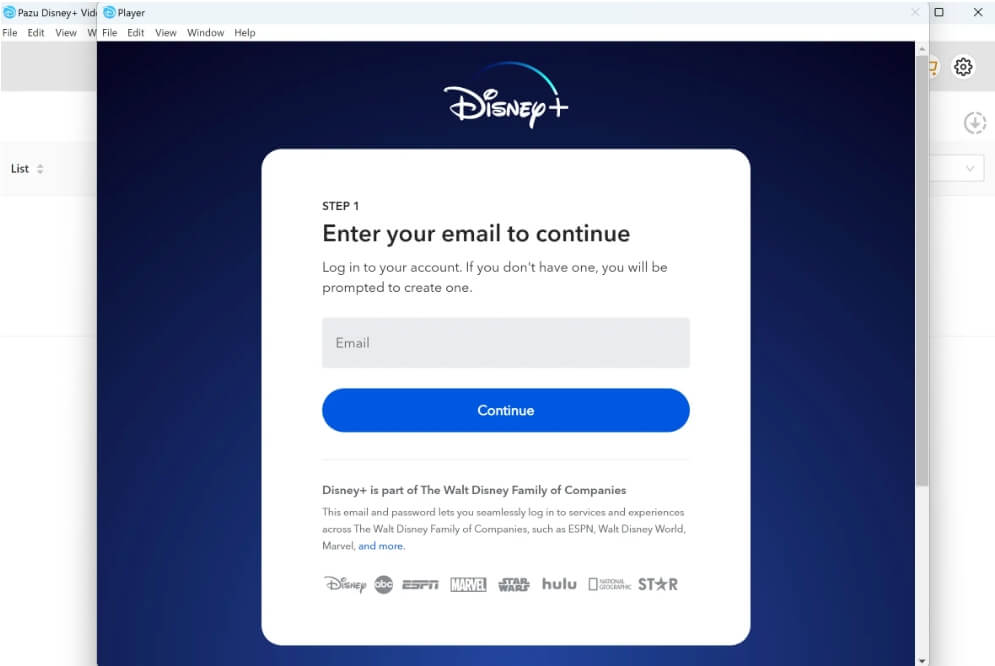
Being an excellent downloader, Pazu Disney Video Downloader is dedicated to helping you save any movies and shows with minimal effort. It enables you to convert Disney Plus videos to MP4 and download them with up to 720p quality. Beyond that, Pazu preserves Dolby Atmos sound, original multilingual audio tracks, and subtitles, ensuring a cinema-like experience.
However, it sometimes runs unstable to get into the login page. Plus, it only offers a 1-year subscription plan, which may not be as flexible as other options. If you are looking for a more versatile Best Disney Plus Downloader, consider trying MovPilot Disney Plus Video Downloader, which offers stable downloads and more flexible subscription options.
| Pros |
|
| Cons |
|
| Review | Pazu Video Downloader Review in 2025: Useful But Expensive |
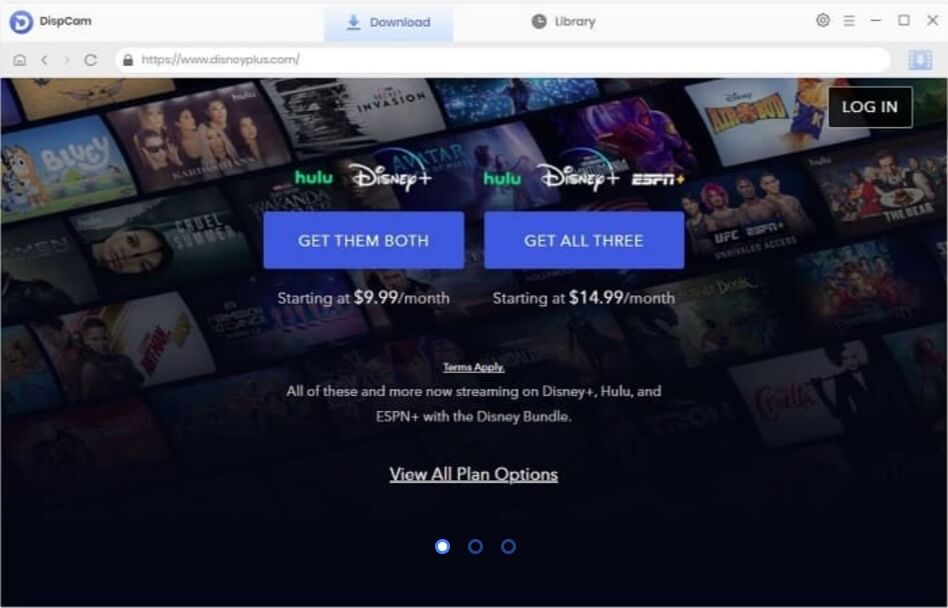
Top 6. DispCam (Windows & Mac)
DiscpCam is one of the best downloaders for Disney Plus, providing excellent access to its content. With its embedded web player, you can easily find and navigate to your desired videos. It also allows you to download Disney Plus videos in MP4 or MKV format with impressive speed while maintaining high video quality.
This Disney Plus video downloader also stands out for its support of over 30 audio and subtitle languages. Plus, it allows users to customize subtitles, making it especially beneficial for language learners or viewers who prefer minor languages. However, please note that its refund guarantee is only valid for 2 days, so you need to be very careful before making a purchase decision.
| Pros |
|
| Cons |
|
Top 7. TunePat Disney+ Video Downloader (Windows & Mac)
TunePat Disney Plus Video Downloader delivers high-definition downloads, allowing you to watch Disney Plus videos offline with a great viewing experience. The program can automatically remove all ads from Disney Plus films or series, so you will not be interrupted by the annoying ads while watching. Meanwhile, its intelligent search feature also brings greater convenience to proceed with Disney+ downloads.
Keep in mind, though, it only works with Disney+. If you need a more versatile one-stop downloader for several streaming services, other options like MovPilot can be ideal.

| Pros |
|
| Cons |
|
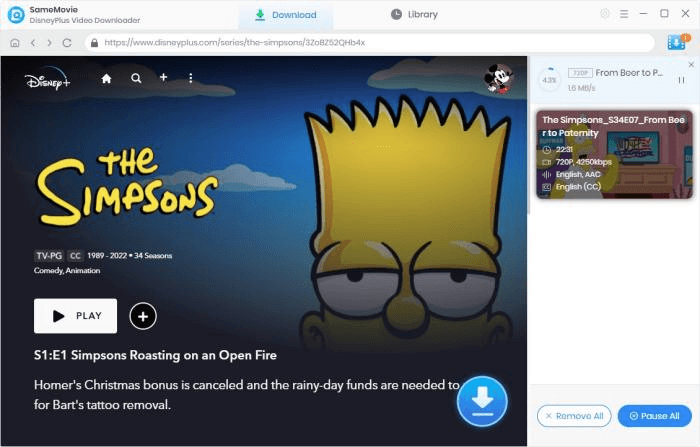
Top 8. SameMovie Disney Plus Video Downloader (Windows & Mac)
SameMovie Disney Plus Video Downloader is a reliable tool for downloading videos from Disney Plus offline. This program allows you to easily access and download hit blockbusters like Star Wars and Marvel movies in high definition (720p) quality.
With this top Disney Plus downloader, you can customize the settings, including bitrate, file sizes, and subtitle types, to suit your preferences. Additionally, the software offers over 30 language options for subtitles and audio tracks, enabling you to enjoy your favorite Disney Plus movies without any language barriers.
| Pros |
|
| Cons |
|
Top 9. KeepStreams (Windows & Mac)
Another highly-rated option is KeepStreams. Unlike dedicated Disney Plus video downloaders, KeepStreams also works across multiple popular services such as Netflix, HBO, Hulu, and even free-sharing sites like YouTube and Facebook. It is extremely suitable for binge-watchers who want to manage all downloads at one stop.
However, this Disney+ download tool has obvious shortcomings. It only supports MP4 output. If you need to download Disney+ videos to MKV format, consider checking out other professional alternatives like MovPilot Disney Plus Video Downloader.

| Pros |
|
| Cons |
|
| Review |
Top 10. FreeGrabApp Disney Plus Video Downloader (Windows)
FreeGrabApp Disney Plus Video Downloader is a simple yet practical Disney Plus downloader for PC, allowing you to download and rip videos from Disney Plus into MP4 for offline viewing. It supports saving movies and shows in optimal video definition and audio quality, letting you watch HD Disney Plus downloads even when the Internet connection is weak or unavailable.
While its name suggests free, the higher-definition downloads without watermarks often require a paid upgrade. This means you can only download Disney+ videos for free in 240P. Plus, this Disney Plus video downloader is only compatible with Windows computers. For Mac users, FreeGrabApp is not an ideal option.

| Pros |
|
| Cons |
|
| Review |
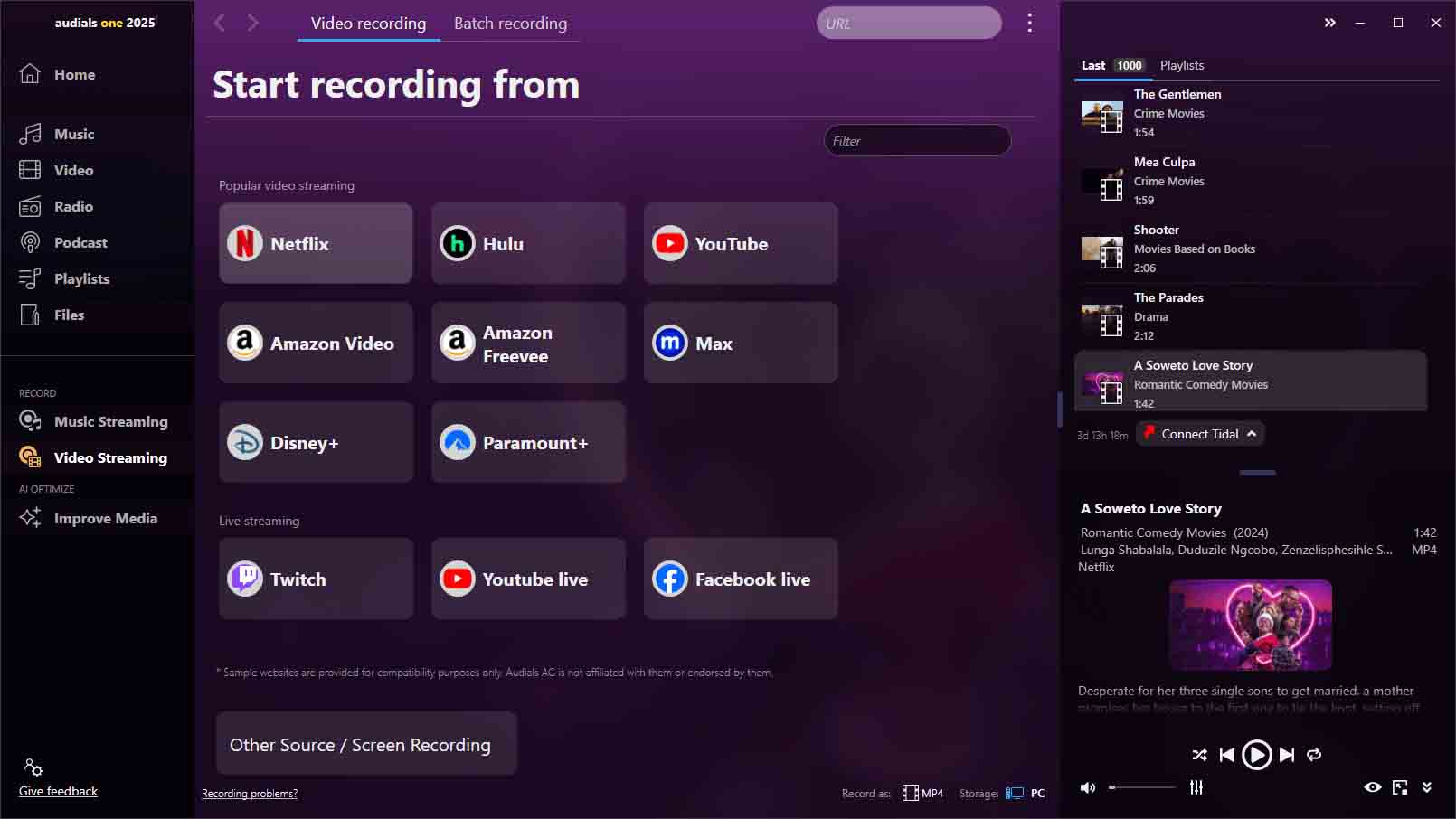
Top 11. Audials Movie (Windows)
Audials Movie is a screen recorder that can capture Disney+ movies and shows in HD directly from the desktop. Once recorded, you can save them in multiple output formats such as MP4, WebM, MKV, AVI, and WMV for flexible playback and storage. Even better, this tool can automatically detect and save video metadata, so you can easily organize recorded Disney Plus videos locally.
However, compared with specialized Disney Plus download software, using Audials Movie may be time-consuming as you have to proceed with the whole process in real time. If you prefer more stable software to download Disney Plus videos, you can consider other options in our list. For example, MovPilot Disney Plus Video Downloader.
| Pros |
|
| Cons |
|
| Review |
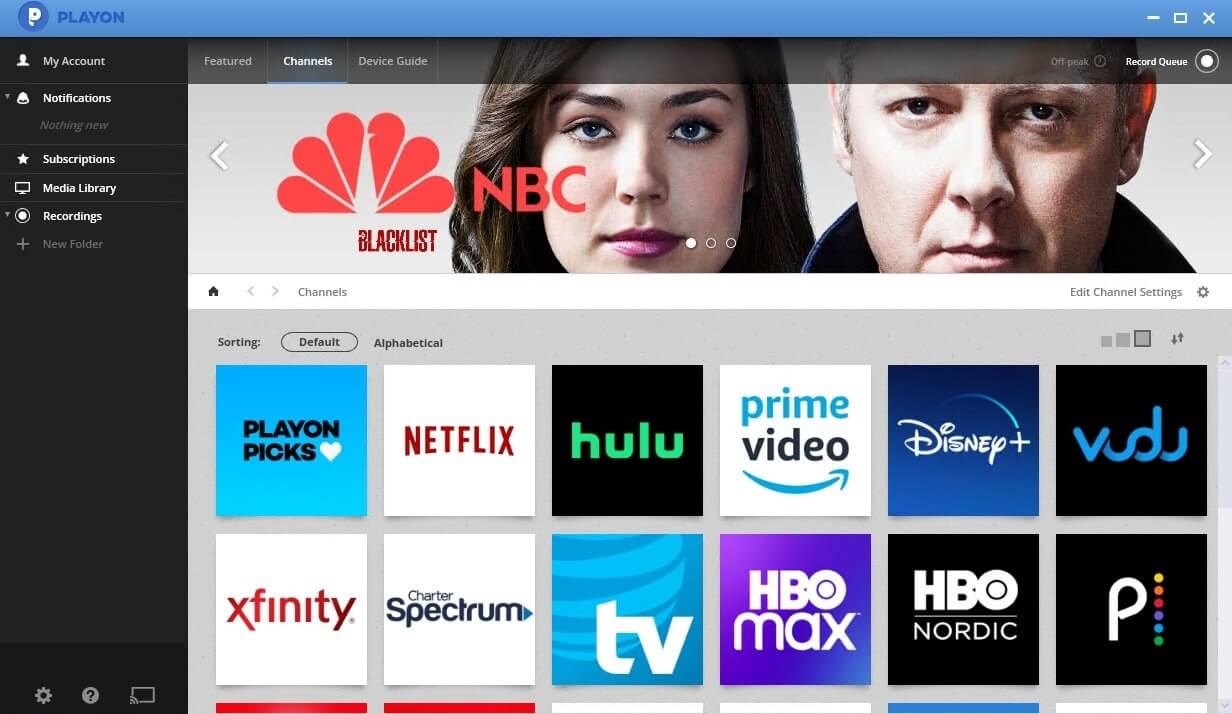
Top 12. PlayOn (Windows, Android, iOS)
If you are looking for a Disney Plus downloader that works across multiple devices, then PlayOn might be exactly what you need. Its PlayOn Cloud service, in particular, is perfectly compatible with both Android and iOS devices, making it one of the few Disney Plus Downloader APKs for Android on the market.
With it, you can record Disney Plus videos anytime and automatically upload them to the cloud or save them locally. This means you can easily download Disney Plus videos on your phone or tablet and watch them offline across multiple platforms. However, like most screen recording tools, PlayOn is not the most efficient solution for bulk or high-speed downloads.
| Pros |
|
| Cons |
|
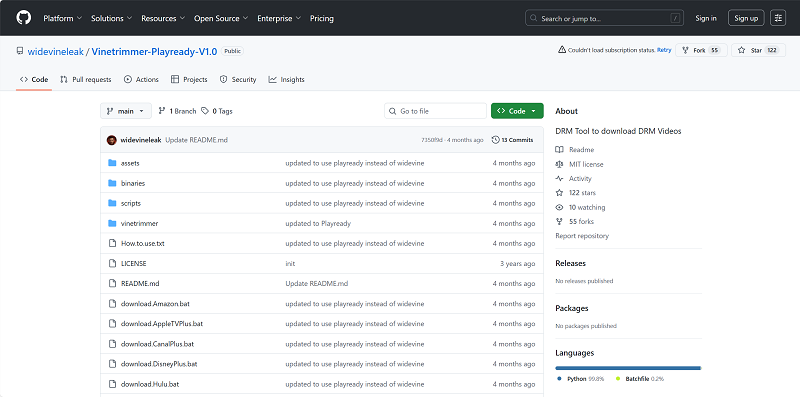
Top 13. Disney Plus Downloader GitHub Tool (Open Source)
For those with some coding experience, open-source tools on GitHub are often the ultimate choice for finding a free Disney Plus downloader. These tools usually run on command-line prompts (like Python scripts) and can directly handle streaming URLs to bypass DRM, saving Disney+ videos as universal MP4 files. However, if you know nothing about command lines, you will find this method incredibly difficult to use.
| Pros |
|
| Cons |
|
Comparison Table of the 13 Best Disney Plus Video Downloaders
Above are the top 13 Disney Plus video downloaders. How do you select the best one among them? Here are several aspects you can consider:
- Video Quality – It determines your experience in streaming resources locally.
- Effectiveness – High downloading speed saves a lot of time for you.
- Output Format – Various output formats make your downloads highly compatible.
- Subtitle Selection – Multilingual subtitles and different subtitle types to fit your needs.
- Audio Selection – 5.1 sound effects and foreign language options for you.
- Ease of Use – A downloader that comes with a clear UI is more user-friendly.
Let’s walk through the table comparison of these 13 best Disney Plus downloaders:
| Disney Plus Video Downloader | Output Quality | Output Format | Download Speed | Subtitle Selection | Audio Selection | Easy of Use |
|---|---|---|---|---|---|---|
| MovPilot | 720P | MP4/MKV | High | Language options; 3 subtitle types | Language options; 5.1 audio effect | ✔️ |
| StreamFab | 720P | MP4/MKV | Medium | Language options; 3 subtitle types | Language options | ✔️ |
| Y2Mate | 720P | MP4/MKV | Medium | Language options; 3 subtitle types | Language options; 5.1 audio effect | ❌ |
| Kigo | 720P | MP4/MKV | Medium | Language options; 3 subtitle types | Language options; 5.1 audio effect | ✔️ |
| Pazu | 720P | MP4/MKV | Medium | Language options; 3 subtitle types | Language options; 5.1 audio effect | ✔️ |
| DispCam | 720P | MP4/MKV | Medium | Language options; 3 subtitle types | Language options; 5.1 audio effect | ✔️ |
| TunePat | 720P | MP4/MKV | Medium | Language options; 3 subtitle types | Language options; 5.1 audio effect | ✔️ |
| SameMoive | 720P | MP4/MKV | Medium | Language options; 3 subtitle types | Language options; 5.1 audio effect | ✔️ |
| KeepStreams | 720P | MP4 | Medium | Language options | Language options | ✔️ |
| FreeGrab | 1080P | MP4 | Low | Language options | Language options | ❌ |
| Audials Movie | 720P | MP4 | Long-time recording | / | stereo 5.1 audio effect | ❌ |
| PlayOn | 1080p | MP4, M4V, WMV, MOV | Low | / | / | ❌ |
| GitHub Tool | 720P | MP4 | Medium | / | / | ❌ |
FAQ about Disney Plus Video Downloaders
Is there a downloader that can download Disney Plus movies to 1080P?
Yes, there are a few Disney Plus downloaders that support 1080P downloads. However, these tools are quite pricey and have limited choices. For most users, downloading in 720P is more than sufficient for daily viewing. Whether on a computer, tablet, or smartphone, you can still enjoy clear and smooth playback.
If you want to keep the original video quality and have an easy-to-use tool, MovPilot Disney Plus Video Downloader is the way to go. It supports high-quality offline viewing while automatically removing ads for a superior experience.
Are there Disney Plus downloader Chrome extensions available?
Unfortunately, no. Since Disney+ content is protected by DRM, most Chrome extensions can only capture low-quality, incomplete clips or simply do not work at all.
If you want a safe and reliable way to save Disney Plus videos, it is recommended to use a professional Disney Plus downloader like MovPilot, which supports HD downloads, MP4/MKV output, and effectively bypasses DRM for true offline viewing.
Which is the best Disney Plus video downloader online for free?
To be honest, there is no truly free and efficient Disney Plus downloader online. If you want to download Disney Plus videos for free, you can either use complex GitHub tools or the free trial versions of professional Disney Plus video download software.
Final Verdict: Which is the Best Disney Plus Downloader for Offline Viewing?
After going through our detailed guide on the 13 best Disney Plus video downloaders, you should now learn the pros and cons of each. Overall, however, MovPilot Disney Plus Video Downloader excels in download efficiency, HD output, and flexible support for multiple audio tracks and subtitles. Even better, it comes at an affordable subscription price. All of these features make it the best Disney Plus downloader for PC and Mac. Give MovPilot a try today and start downloading Disney+ videos for hassle-free offline viewing!